
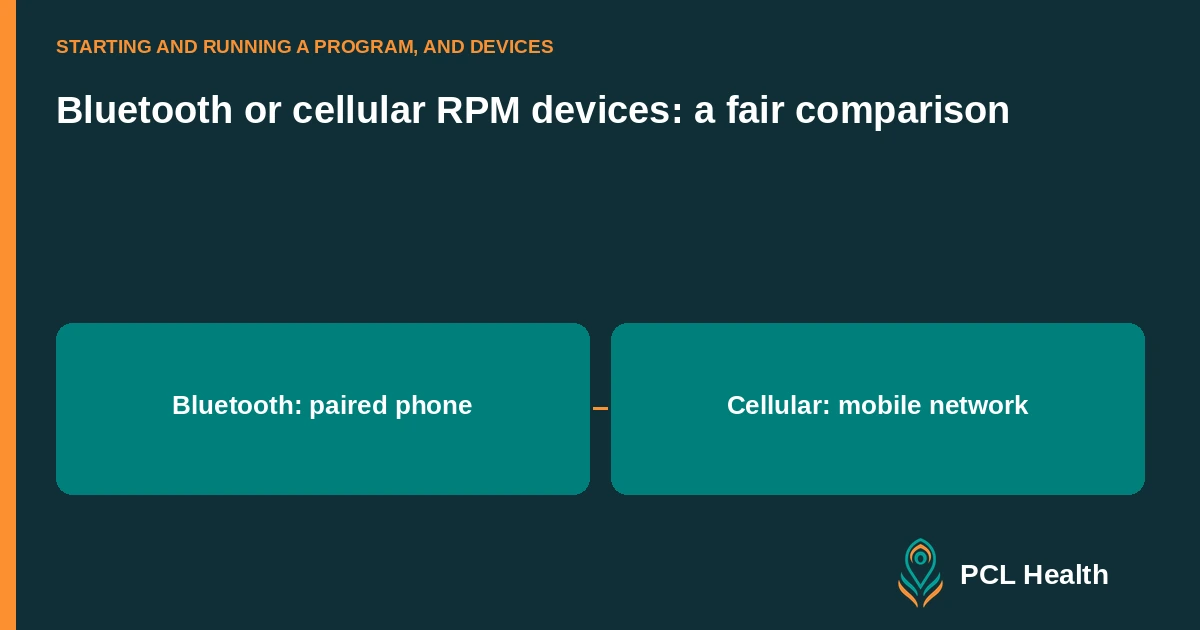
Bluetooth RPM devices send readings through a nearby connected device, commonly a phone, while cellular RPM devices can transmit through a mobile network built into the device. The better choice depends on the patient's phone access, connectivity and ability to complete the transmission steps.
PCL Health uses Bluetooth blood pressure cuffs, glucometers, scales and a watch that pair with the patient app. The comparison below helps you assess the broader device options when planning your program.
How do the two transmission routes differ?
For an app-based Bluetooth workflow, the measurement travels from the device to the paired phone and onward through the phone's internet connection. A cellular device uses its own mobile-network connection for transmission. Check the exact model and service configuration, because connection requirements and behavior vary between products.
The Bluetooth SIG describes Bluetooth as a short-range device communication system in its Core 6.2 architecture specification (2025). Bluetooth itself is the local connection; your vendor should demonstrate the complete route from the measurement to the clinician's workspace.
For a cellular example, A&D's UA-1020CEL product documentation describes transmission without a smartphone, app or Wi-Fi. That is a model-specific example. Ask about network coverage and service arrangements for the product you are actually considering.
| Decision | App-based Bluetooth route | Cellular device route |
|---|---|---|
| Connection path | Device to paired phone, then internet | Device to mobile network |
| Patient setup | App, account and device pairing | Device and network service configuration |
| Check at home | Phone compatibility and successful upload | Signal and successful upload |
| Support focus | Pairing, app permissions and phone connection | Device status and network connection |
When is Bluetooth a practical choice?
Bluetooth is a practical choice when the patient has a compatible phone, can use the app and has a working internet connection. It can support a device-and-app workflow in which readings and reminders sit together. Test the pairing and upload with the patient before assuming that phone ownership makes the route workable.
Ask the patient to complete the process themselves during setup. Confirm that the device is paired to the intended account, a reading appears in the app and the same reading reaches the workspace. Let the patient explain which step they will repeat at home.
PCL Health's connected devices and patient app page describes readings, graphs, questionnaires, reminders and device pairing. The broader selection decision should include the patient's comfort with the app and your team's ability to support it.
A cardiology practice might choose an app-based route for a patient who already uses a compatible phone daily. During the setup appointment, staff can demonstrate the local connection and confirm receipt. The practical test is successful transmission, rather than the patient's familiarity with other apps.
When is cellular the better choice?
A cellular device can be the better choice when a patient lacks a compatible smartphone or finds app pairing difficult, provided the device has suitable network coverage at home. Removing the phone step can simplify that patient's transmission route. Test the actual device where it will be used before deciding it solves the access problem.
Use the same practical standard for both options: can the patient take the requested reading, and can your team receive it? Cellular connectivity does not remove the need for device education or support. HHS's RPM strategy guidance (2026) recommends assessing patients' technology access and planning technical support.
For example, a patient who uses a basic mobile phone may be better served by a device with its own supported network connection. A different patient may have a smartphone but weak coverage where they take readings. Ask the supplier to demonstrate the available route rather than choosing from a general category label.
What should you test before enrolling a patient?
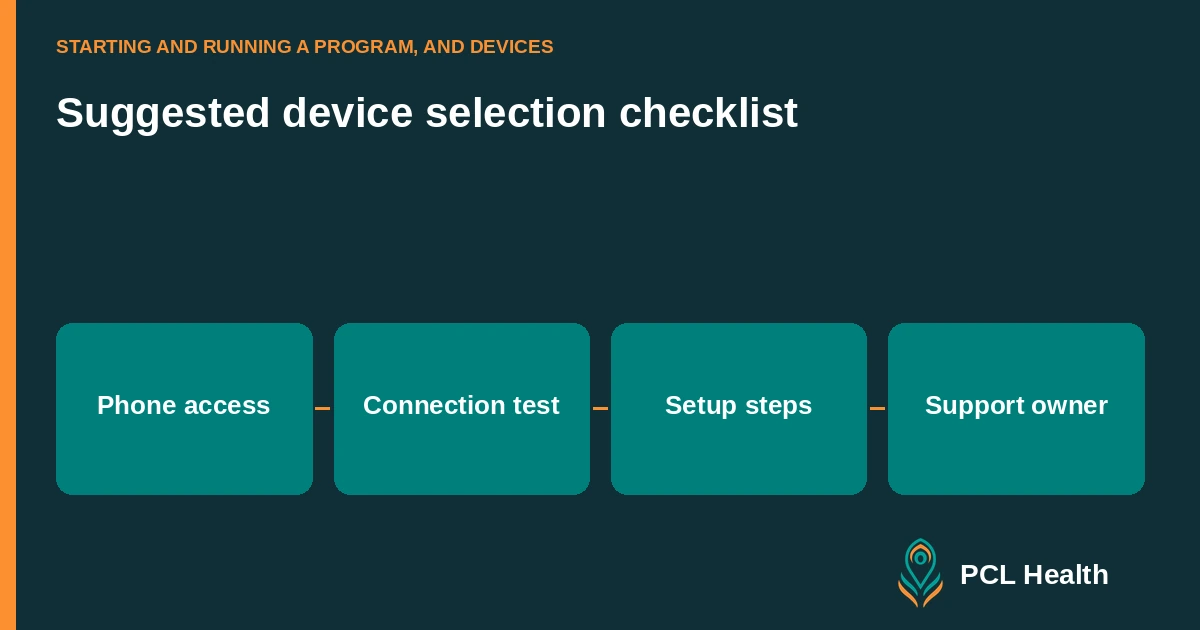
Test the whole path from the patient's measurement to the clinical record. Confirm account assignment, connectivity, receipt and the timestamp staff will review. Include a failed-transmission scenario and a recovery step. Give the patient a clear contact route for help, and tell staff where to look when the reading is missing.
Use this setup checklist:
- Confirm the exact device model and supported transmission route.
- Check the patient's phone and app requirements where applicable.
- Pair or configure the device for the correct account.
- Observe a reading and confirm receipt in the clinical workspace.
- Demonstrate what the patient should do if transmission fails.
- Record who owns technical support and device replacement questions.
HHS's patient RPM guidance recommends understanding how readings are sent and obtaining technical help when the device, app or internet is not working. Keep those instructions specific to the chosen model.
How should you compare costs and service terms?
Compare the complete arrangement rather than the device price alone. Ask each supplier about hardware, connectivity, app access, setup support, replacement, returns and service termination. Use the same patient scenario for both quotes. Check which charges continue when a patient stops monitoring and what your practice must do to close the account.
Request written terms and a worked operational example. For a Bluetooth workflow, ask what happens after a phone replacement. For a cellular workflow, ask what happens when network service changes or the device is returned. Verify the answer for the contracted service, not just the hardware specification.
Keep billing review separate from connectivity choice. CMS requires qualifying RPM devices and electronic data transmission under its remote monitoring guidance (December 2025). A connection type by itself does not establish patient eligibility or reimbursement.
Use the 90-day RPM program guide to place device selection in your launch plan. The staffing guide and missed-readings workflow help you assign the support work after setup.
Main guide: How to start an RPM program
FAQ
Which connection type does the platform use?
PCL Health uses Bluetooth blood pressure cuffs, glucometers, scales and a watch that pair with the patient app. The connected devices page describes the supported workflow.
Does Bluetooth itself provide internet access?
Bluetooth provides the local device connection. In an app-based workflow, the paired phone supplies the onward internet connection.
Can a cellular RPM device work without a smartphone?
Some cellular models transmit using a built-in mobile-network connection without a smartphone. Check the actual model's documentation and test coverage where the patient will use it.
Does choosing a connection type establish reimbursement?
Connectivity is one part of the workflow. Your billing staff still need to review the patient, device, service and applicable payer requirements. Source.